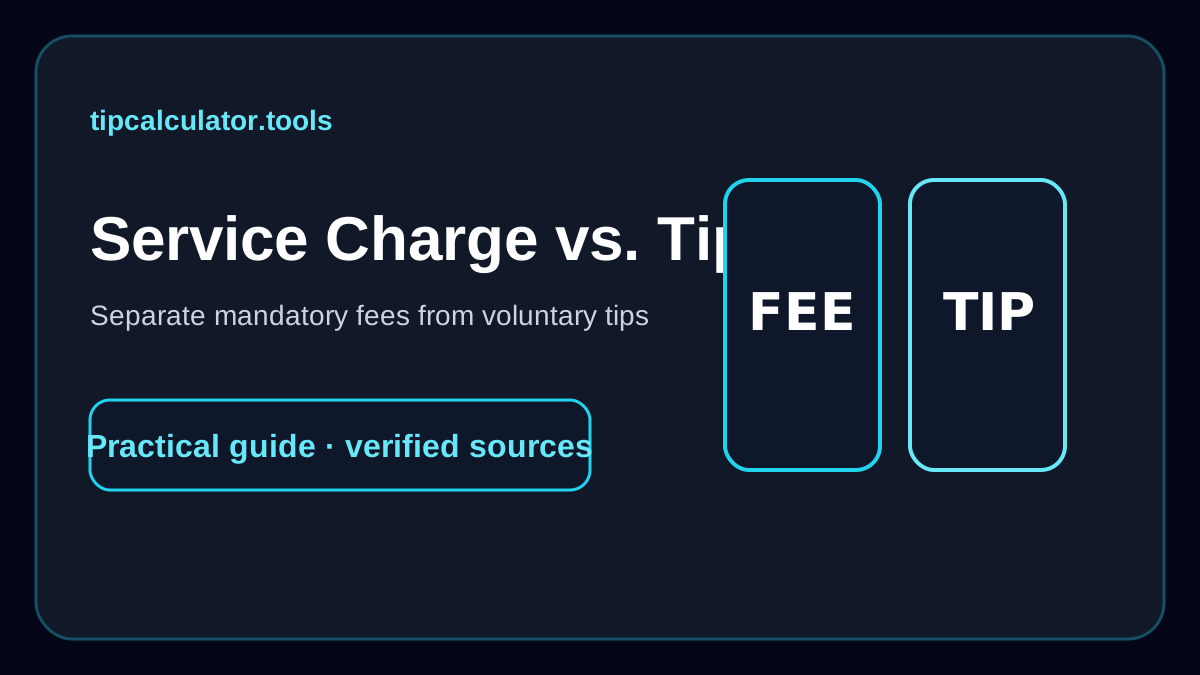
When I see both a service charge and a tip line on the same receipt, I do not treat them as the same thing. I first work out which amount is required and which amount is voluntary. That one check prevents more confusion than memorizing another tipping percentage.
For U.S. federal tax purposes, the IRS draws a useful line: a tip is voluntary and the customer decides the amount; a mandatory amount imposed by the business is a service charge. I use that distinction as my starting point whenever the receipt language is messy.
What I look for on the receipt
I scan the lines between the subtotal and the final total. The wording I watch for includes:
- service charge
- automatic gratuity
- large-party fee
- hospitality fee
- administrative fee
- delivery fee
Then I ask whether the charge was optional. If the restaurant added it automatically and I could not choose the amount, I put it in the required-charge bucket.
A tip field shown afterward is a separate decision. I may still choose to add something, but I want to know that it is additional rather than assume the terminal has accounted for the earlier charge.
The IRS test I use
The IRS explains that a payment is a tip when the customer has the unrestricted right to determine the amount, the payment is voluntary, and the customer generally decides who receives it. A required charge does not meet that voluntary test.
That is why I do not let the word “gratuity” on its own decide the category. If an 18% “automatic gratuity” is required, I treat it as a mandatory charge in my calculation.
In the Restaurant Tip Calculator, I enter that amount in the service-charge field. I keep any extra voluntary tip in the tip field.
A receipt example I would work through
Suppose the receipt shows:
- Subtotal: $90.00
- Tax: $7.20
- Service charge: $18.00
- Suggested tip buttons: 18%, 20%, 25%
The first thing I do is ignore the suggestion buttons for a moment. The bill already contains $18 in a required service charge.
If I choose to add a 20% voluntary tip on the $90 subtotal, that would be another $18.00. My final bill would then include $36 combined between the required charge and the voluntary amount.
That may be intentional, but I want to see it before I tap the button.
Why I keep service charge and tip in separate fields
If I merge both numbers into one “tip” total, I lose information. I can no longer tell which amount the business required and which amount I chose.
Keeping them separate also helps when several people are splitting a check. I can allocate the required service charge across the group and then decide whether the voluntary tip should be split the same way.
For an equal split, I use the Split Bill Calculator. If people ordered different amounts, I use the Uneven Split Bill Calculator so the extra charges follow the spending pattern instead of being divided blindly.
Automatic gratuity is the label I double-check most
“Automatic gratuity” sounds like a tip, so it is easy to mentally count it as one. But if it is automatically imposed, the IRS treats it as a service charge for federal tax purposes.
I explain that specific case in Automatic Gratuity Explained. My practical behavior is the same: I enter the mandatory amount first, then decide independently whether I want to add anything else.
What about a restaurant that says the charge supports wages?
Some businesses explain that a service charge supports wages, benefits, or operating costs. Others may distribute some or all of it to staff. I do not infer the distribution from the label alone.
If that detail affects my decision, I ask the restaurant or read its stated policy. The calculator can tell me the amount of the charge, but it cannot tell me where the business sends the money.
I also separate delivery fees from driver tips
The same logic helps me with delivery. If an app shows a delivery fee or service fee, I do not assume that amount is the driver’s voluntary tip.
I enter the order subtotal and calculate the amount I personally want to add. The Delivery Tip Calculator keeps the platform or restaurant fee separate so I can see both numbers.
How I decide whether to add an extra tip
Once I have identified a mandatory charge, I look at the service and decide whether I want to add a voluntary amount. I do not use a rule that says a service charge always replaces a tip, and I do not use a rule that says I must always add another percentage.
Instead, I want the receipt to be transparent enough that I know exactly what I am choosing.
For a normal sit-down restaurant tip reference, Emily Post currently lists 15–20% of the pre-tax bill. If a required charge is already present, I compare that reference with what has already been added rather than pretending the required charge is invisible.
My checkout rule
Before I press a tip button, I want to be able to answer three questions:
- What amount is mandatory?
- What amount is voluntary?
- What base am I using for any additional percentage?
If I cannot answer those from the receipt, I go back and check. Once I can answer them, the calculation is easy—and I am much less likely to double-pay because two different charges were presented with similar words.